ToolBond Review: The Privacy-First Toolkit for Developers
As web developers and designers, we live in a browser tab jungle. We have one tab open for compressing images, another for generating passwords, a third for formatting JSON, and a fourth for converting CSS units.
Most of these “free” online tools have a hidden cost: Data Privacy.
When you upload a client’s NDA-protected PDF or a photo to a generic compression site, you are sending that file to a remote server. You don’t know how long it’s stored or who sees it. Plus, the constant friction of “Sign up to download” or “Daily limit reached” is a productivity killer.
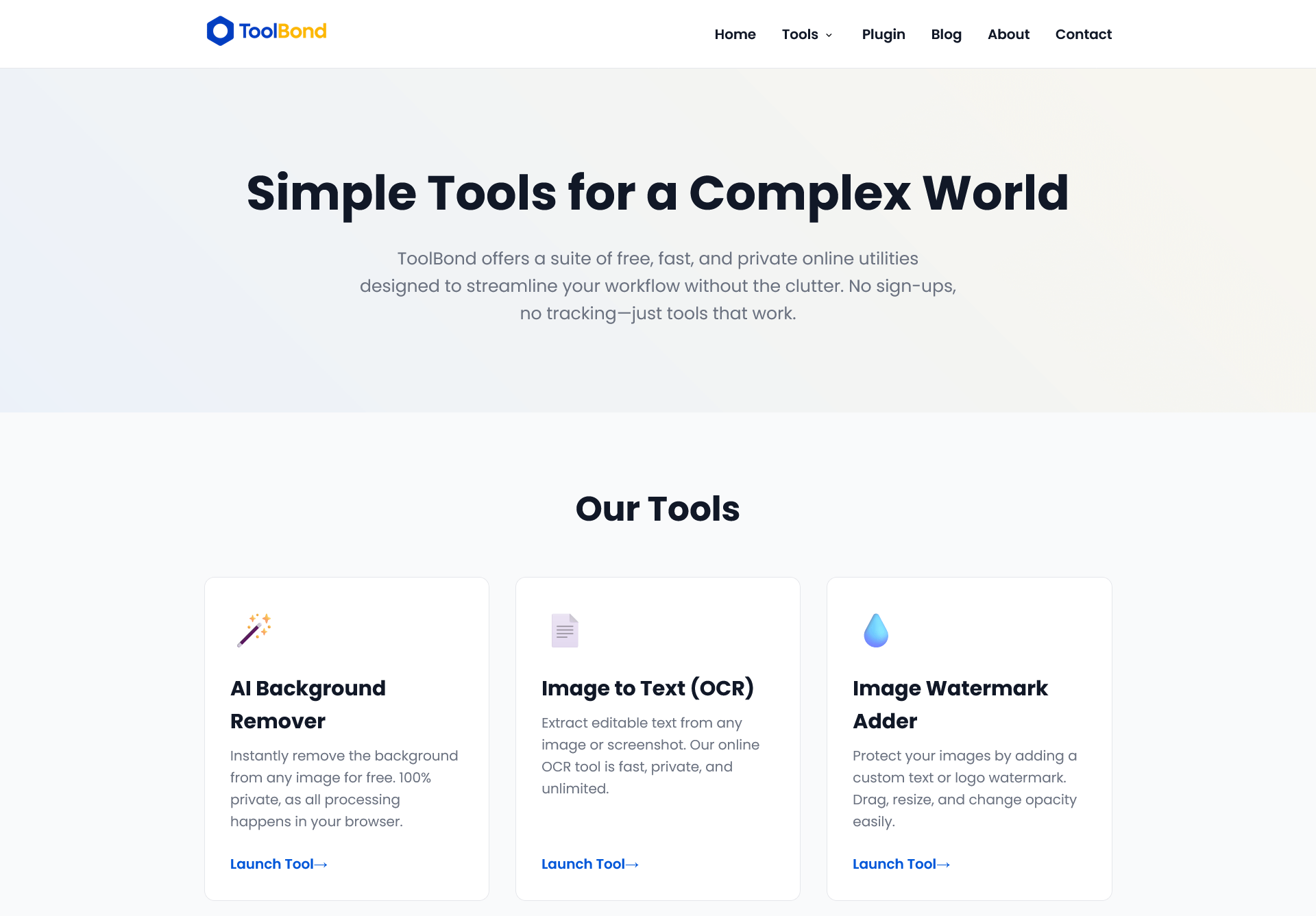
Recently, I came across a platform called ToolBond.com that creates a new standard for online utilities. It promises Client-Side Processing, meaning your data never leaves your device.
I decided to test it out for my recent projects. Here is why I think every web creator needs to bookmark this site.
What is ToolBond?
ToolBond is a suite of web utilities designed for developers, content creators, and marketers. Unlike the big players (like TinyPNG or Adobe Express), ToolBond is built on a “Local-First” architecture.
It uses technologies like WebAssembly and JavaScript to run powerful tasks directly in your browser. When you use their tools, your computer does the math, not their server.
The result? Zero wait times for uploads, and 100% data privacy.
The “Website Speed” Game Changer: Image Tools
If you’ve read my previous article on Why Website Speed Matters, you know that unoptimized images are the #1 reason for slow sites.
Usually, I hesitate to upload high-res client photos to free online compressors. ToolBond solves this with two specific tools:
- Client-Side Image Compressor:
I threw a 5MB high-resolution product photo at it. It compressed it down to 400KB instantly. Because it runs locally, there was no “Uploading…” bar. It just worked. For eCommerce sites (like those built with WooCommerce and Dokan), this batch-processing capability is essential. - WebP Converter & Background Remover:
They also offer background removal that runs in the browser. While it pushes your laptop’s fan a little bit (since your CPU is doing the work), the privacy peace of mind is worth it.
For the Developers: Debugging & Security
If you build websites, you deal with messy code and security daily. ToolBond has a dedicated section for this that replaces about 5 different extensions I used to use.
- JSON Formatter & Validator: I often get messy API responses. Pasting them here formats them instantly. Since it’s client-side, I can paste sensitive customer JSON data without worrying about it being logged on a server.
- Secure Text Share: This is my favorite feature for freelancing. If I need to send a WordPress admin password to a client, I use this tool. It creates a “Burn-on-Read” link. Once the client clicks it, the data is physically deleted. It’s much safer than emailing passwords.
- CSS Unit Converter: As we move toward mobile-friendly designs (see my guide on Mobile-Friendly Websites), using REM units instead of PX is vital for accessibility. Their calculator handles the math instantly.
The “No-Nonsense” User Experience
What struck me most about ToolBond wasn’t just the tech, but the lack of friction.
- No Sign-ups: I didn’t have to give them my email.
- No Paywalls: I didn’t hit a “3 free uses per day” limit.
- No Watermarks: The output files are clean.
It feels like a toolkit built by developers for developers, stripping away the marketing fluff that plagues the internet today.
The Verdict
Is it perfect? Because it relies on your browser, extremely heavy tasks (like processing 500 images at once) might slow down an older computer compared to a cloud server farm.
However, for 99% of daily tasks—generating a secure password, grabbing a color palette from an image, or compressing assets for a blog post—it is faster and safer than the alternatives.
If you care about data privacy and workflow efficiency, I highly recommend adding ToolBond.com to your bookmarks.